The 2026 International Stamp Show is approaching fast, and excitement is building by day. To help you make the most of your time at this free‑admission event, and just in case you missed any recent announcements, key updates have been gathered below so everything is right at your fingertips.
In case you missed the announcement, Brian Engler will be holding down Booth 332, right at the corner of 6th Street and Third Avenue on the show floor. It’s a perfect spot to swing by, say hello, and show our support for someone who gives so much to the community.
This page will get updated as more news and tips are shared within the club.
Registration
A tremendous amount of care and planning has gone into making this International Stamp Show an unforgettable experience for every visitor. Registering ensures you won’t miss a moment—from the full schedule of events and ceremonies to the expansive dealer bourse, postal administration booths, and an extraordinary 3,500 frames of world‑class exhibits.
Getting started is easy and requires absolutely no prior stamp (philatelic) knowledge. Just visit boston2026.org, click the Attendee Registration button (shown below), and follow the friendly step‑by‑step wizard. We can’t wait to welcome you and share an amazing celebration of philately together!

Mobile App Registration
Great news for everyone gearing up for the big show! As of 3‑Apr‑2026, the official event app is now available for both iOS and Android phones and tablets.
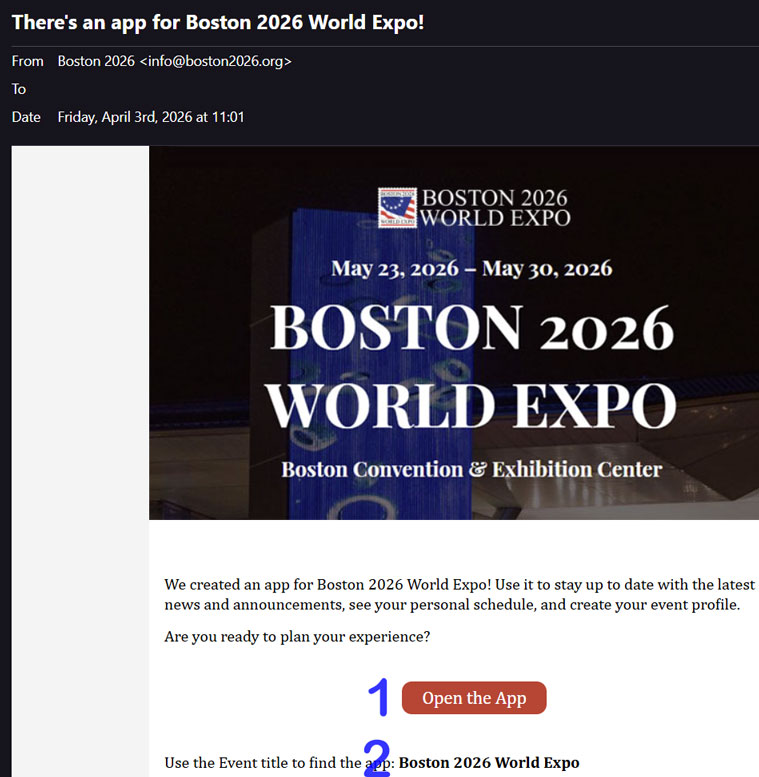
The setup process was impressively smooth. The initial link even offered a QR code that handled the download and automatically configured the event titled “Boston 2026 World Expo.” Watching everything snap into place so neatly felt like one of those rare moments when technology behaves exactly the way we wish it always would.
For science (and curiosity), I ran the whole process again. This time I went straight to the App Store, grabbed the Cvent Events app, opened it, searched for “Boston 2026 World Expo,” and – Huzzah! – my itinerary synced instantly. No fuss, no confusion, no “why is this happening” moments. If only organizing duplicates in our collections were this painless.
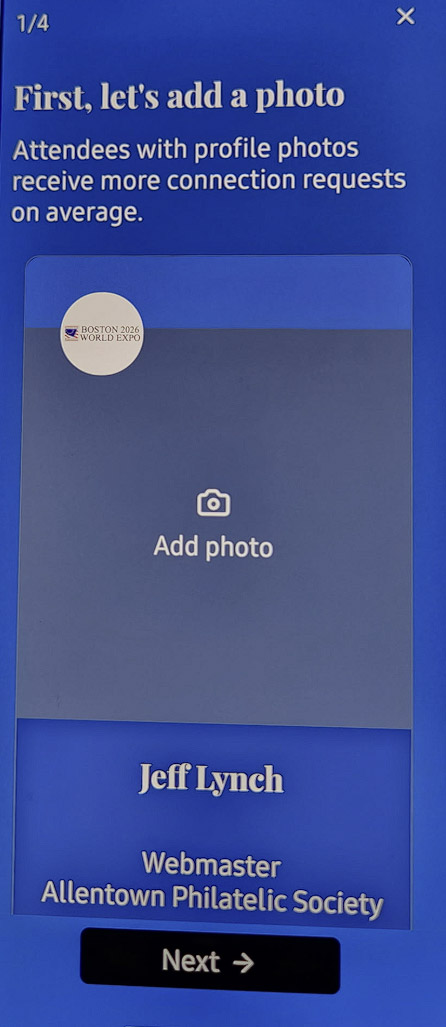
Sharing screenshots of the registration steps for reference purposes (Android)
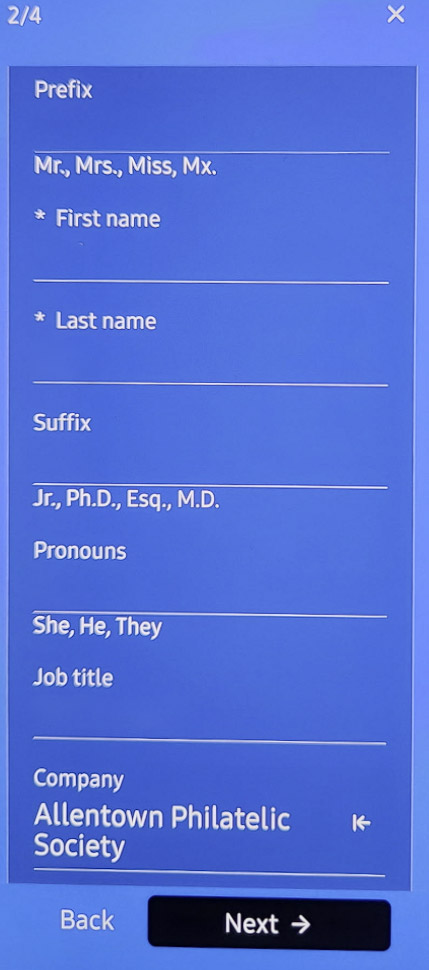
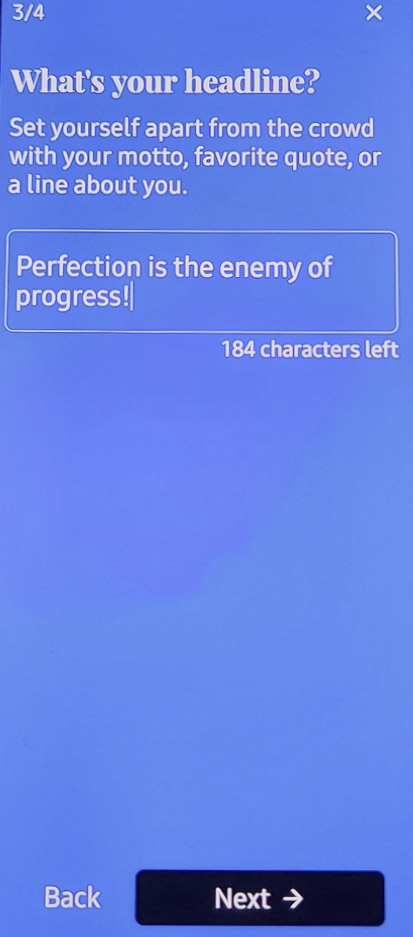
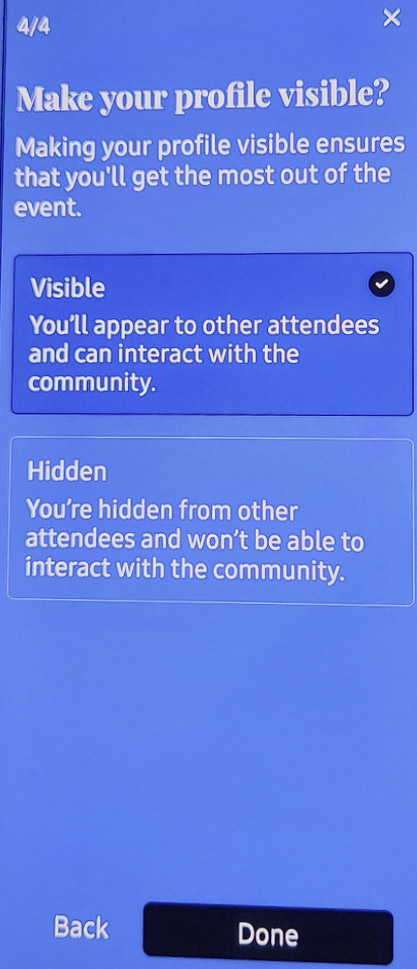
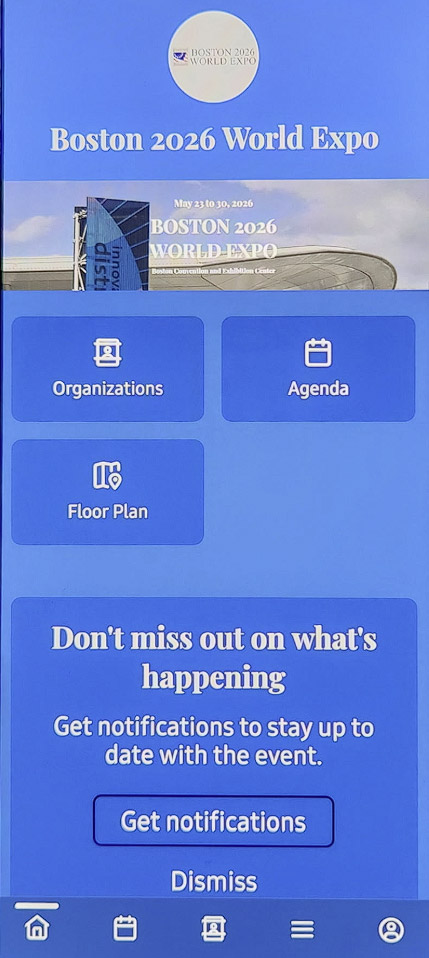
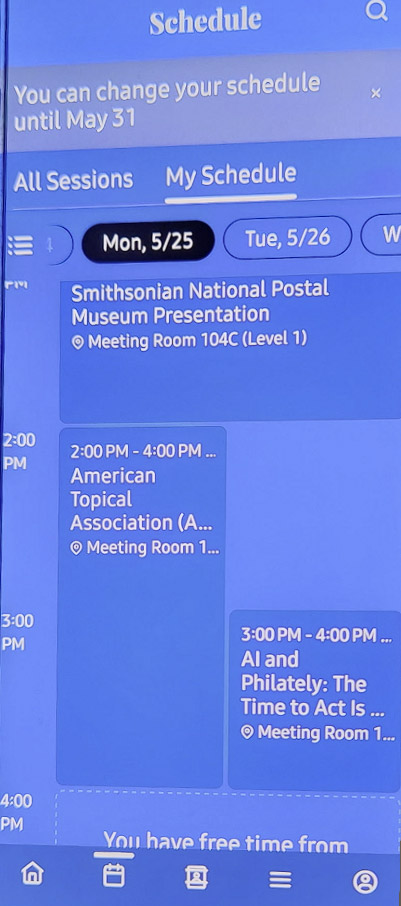
With registration completed, 2 screenshots below depict controlling App Notification, as well as a sample view of the Schedule View